CAD2Catalog.Your CAD, in studio light.
Send us the STEP files you already have and a reference image. We send back studio-lit catalog images and a matching 3D model of every product, rendered from its real geometry and consistent across your whole range.
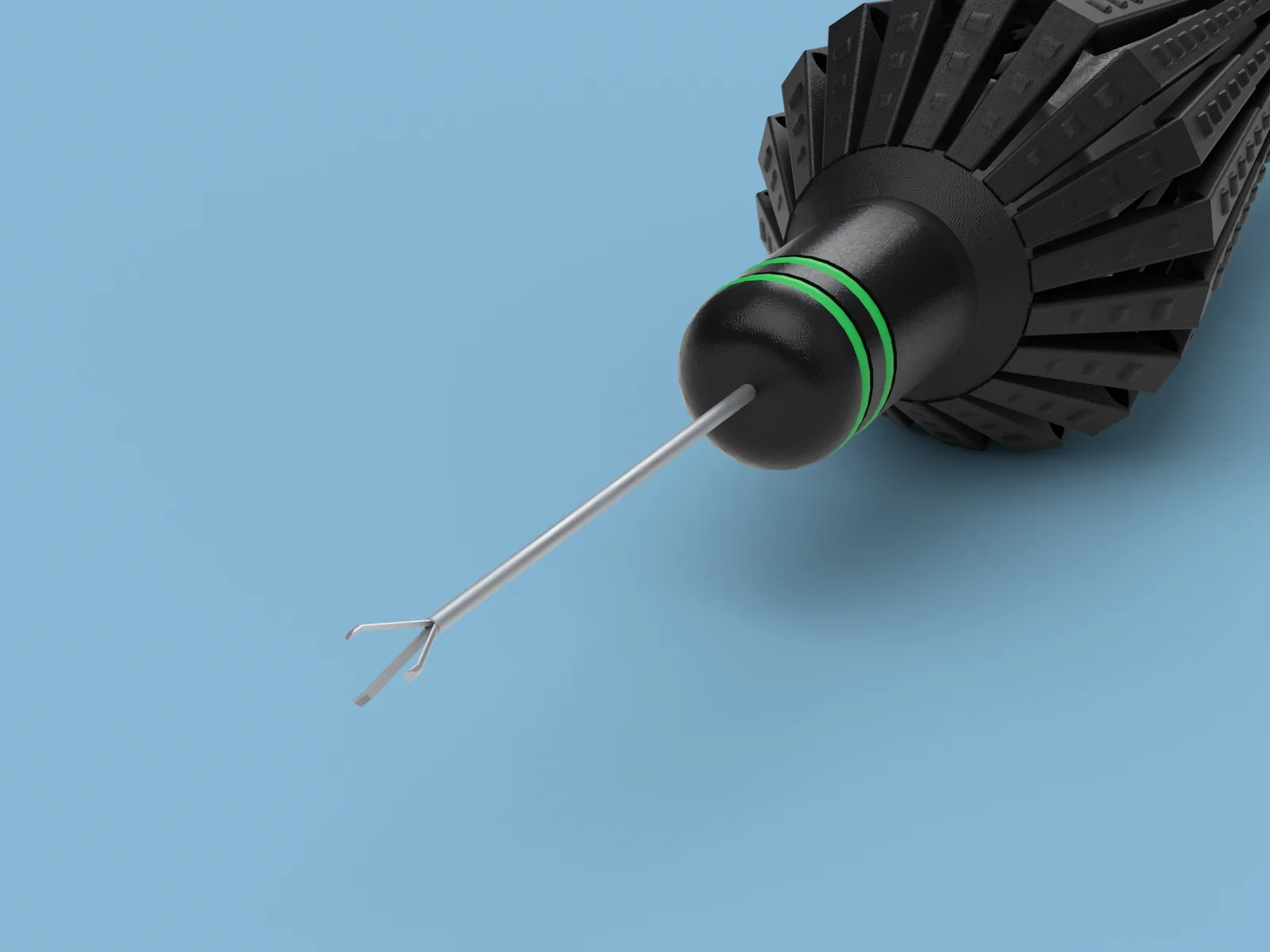 Final render
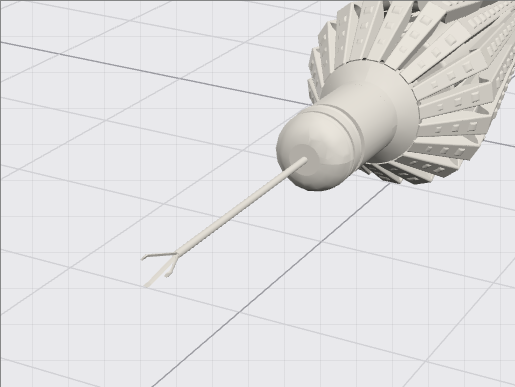 CAD model
- STEP in
- PNG + GLB out
- White
- Clinical blue
- Cutout
An image that only looks like your part is a liability.
Product catalogs need pictures buyers can trust. Photographing small, polished parts consistently is slow. Rendering in-house needs a 3D artist for every product. Mock-ups that approximate the shape drift from what you actually make.
Photo shoots
You need the physical part, a studio, and the same light every time.
In-house rendering
Software licenses, a specialist, and hours per product.
Look-alike mock-ups
Close enough to fool the eye, wrong enough to fail a buyer's check.
Every detail, from every angle.
AK1670S · Five views from one product
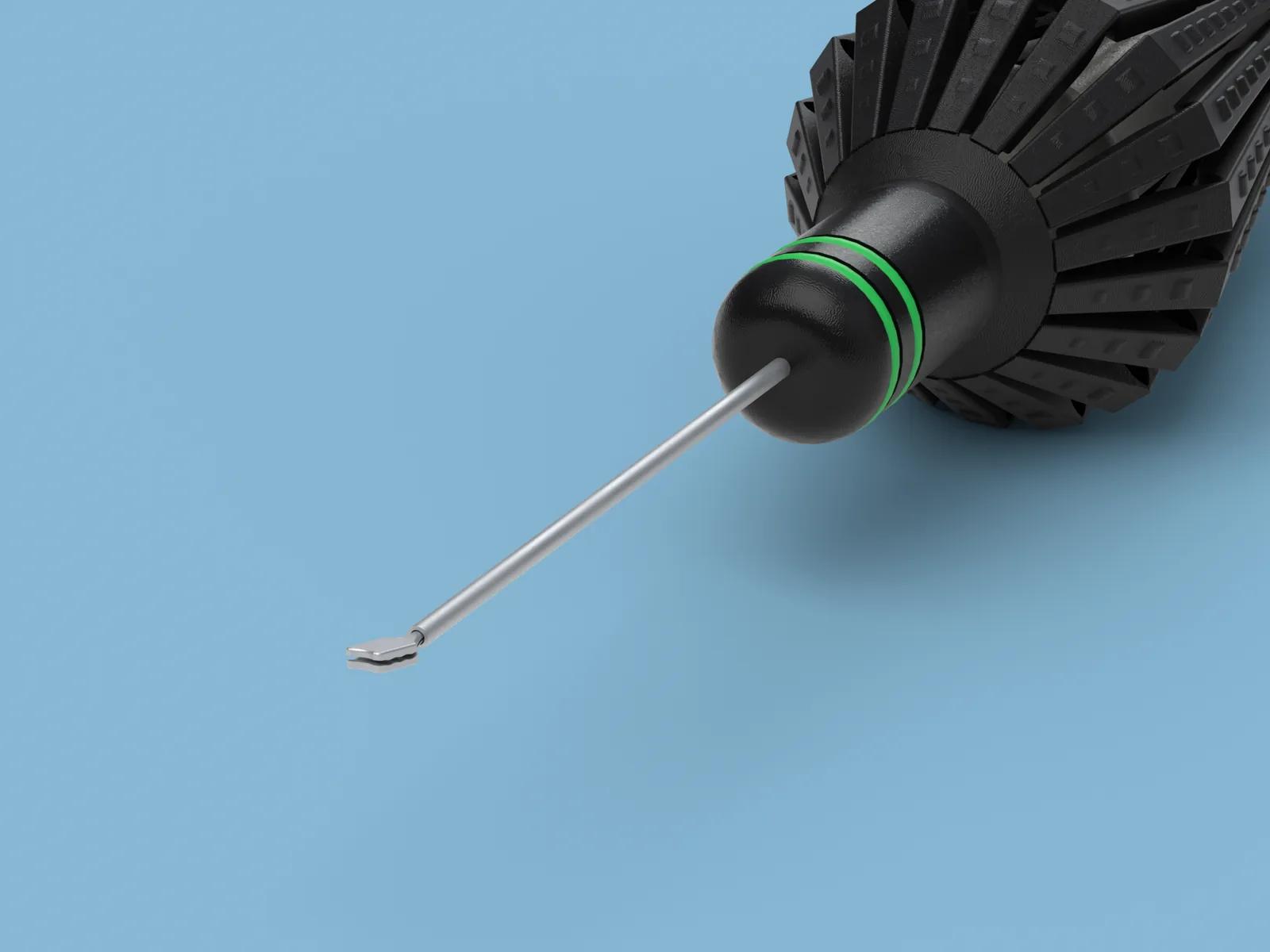
Three steps.
Send your files.
Your STEP files, straight from your CAD, and one reference image of each product: a photo, a catalog page or a screenshot. Low quality is fine. Add a note on what matters: a finish, a detail, an angle.
We set everything up.
Our team assigns materials and finishes, orients each product, places the cameras and lights the scene. You don't need any software or 3D skills.
Receive your images.
Catalog images on the backgrounds you need, plus a GLB 3D model of each product with the same materials.
One family. One visual language.
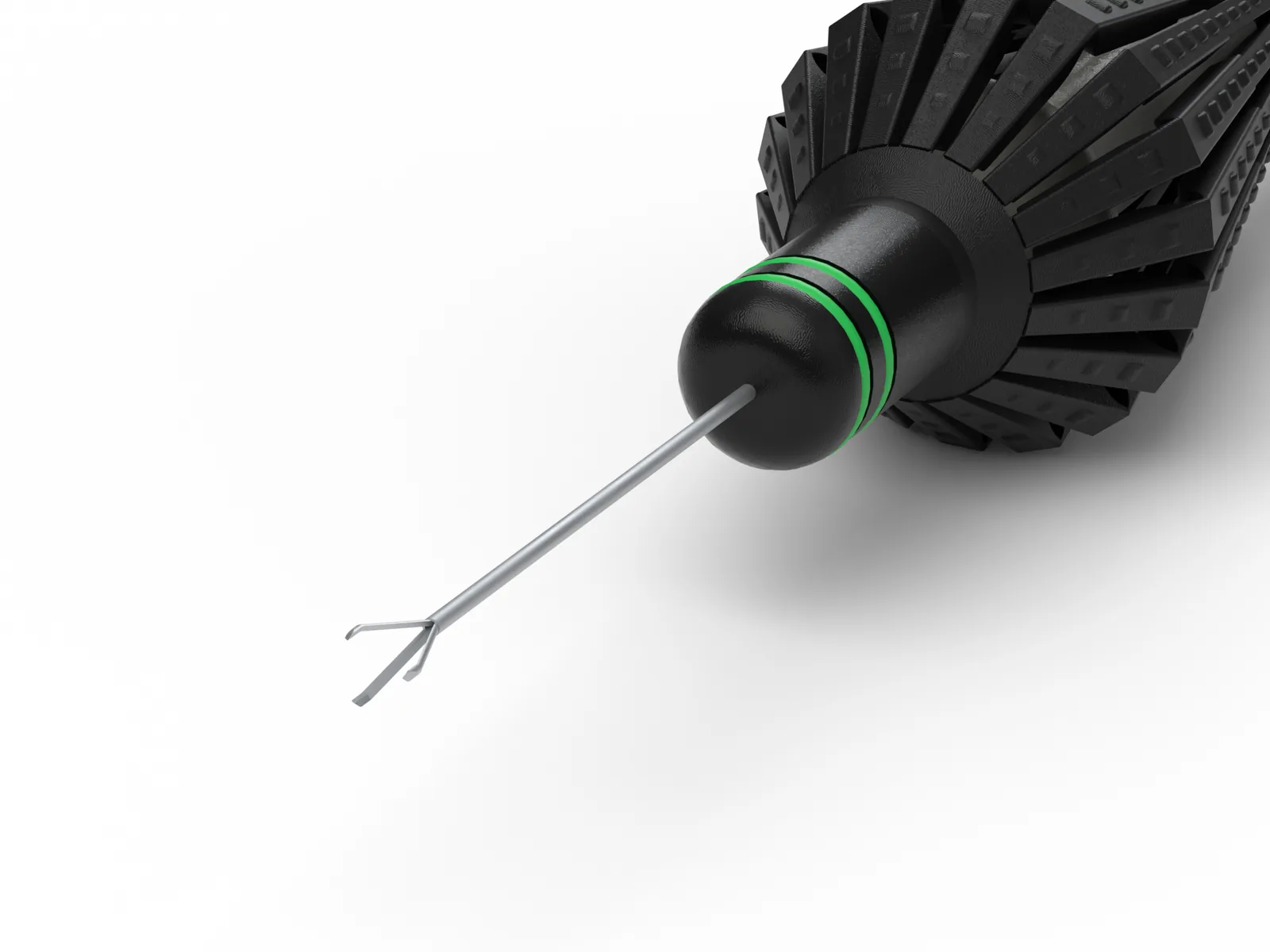
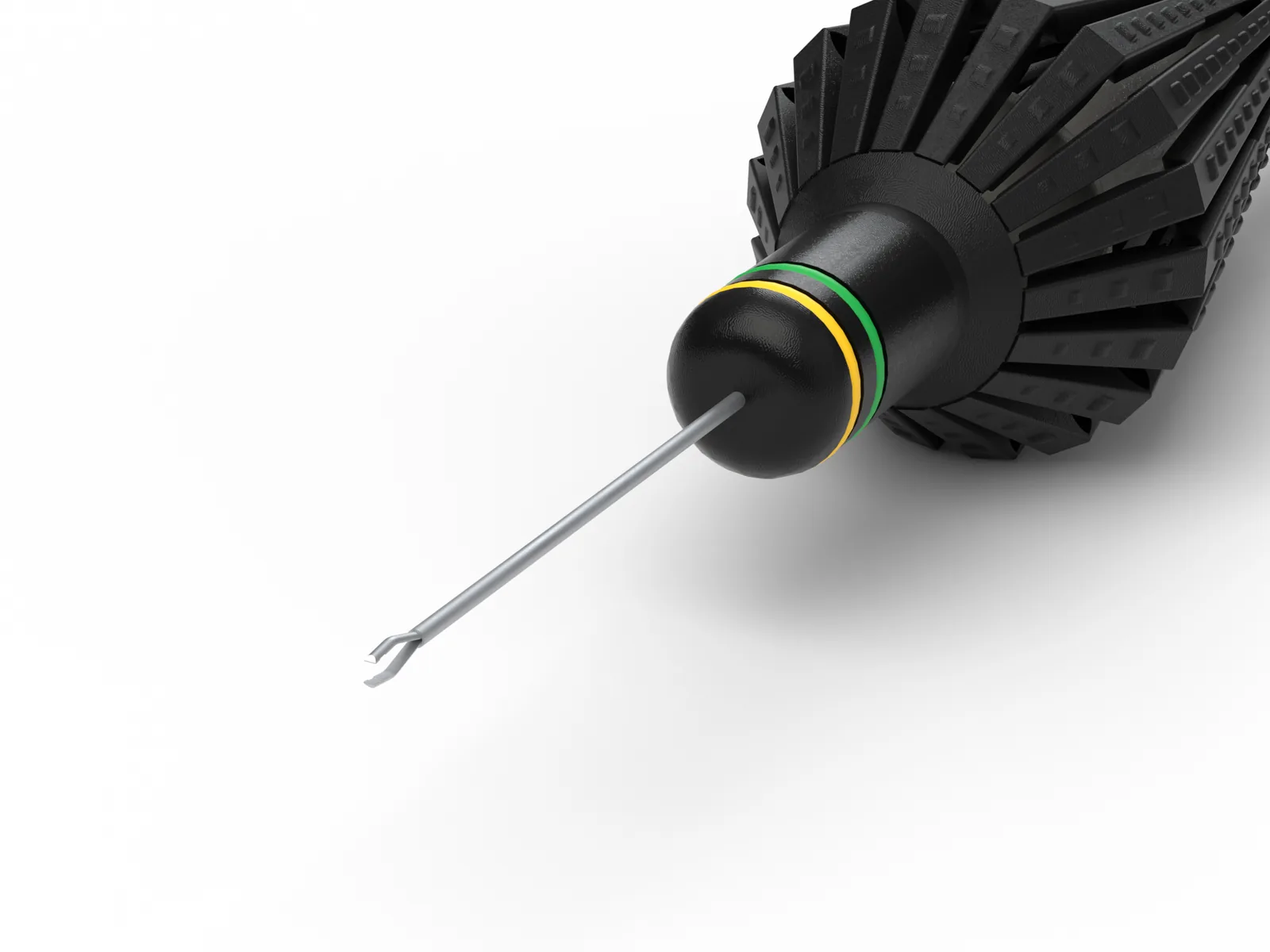
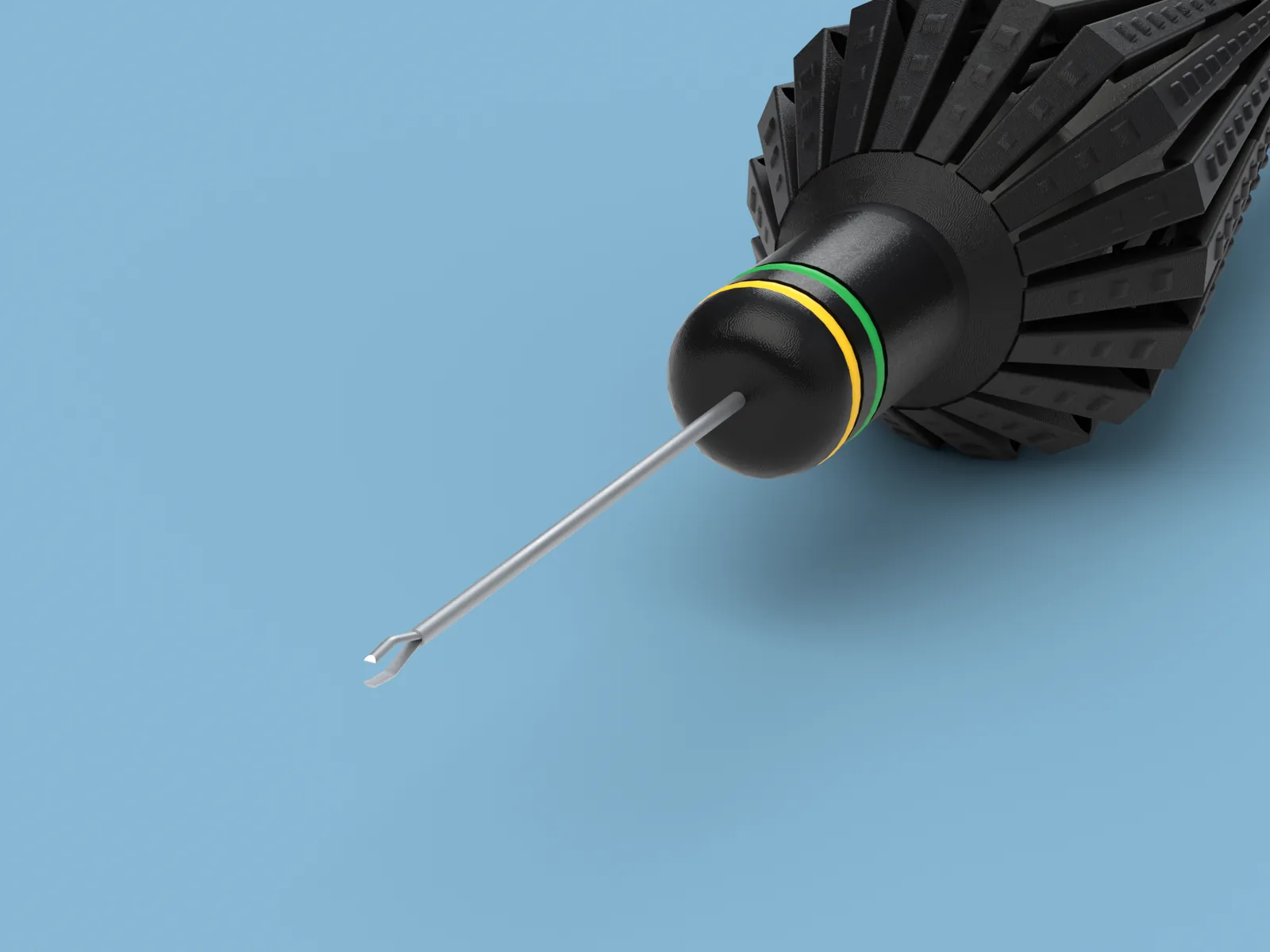
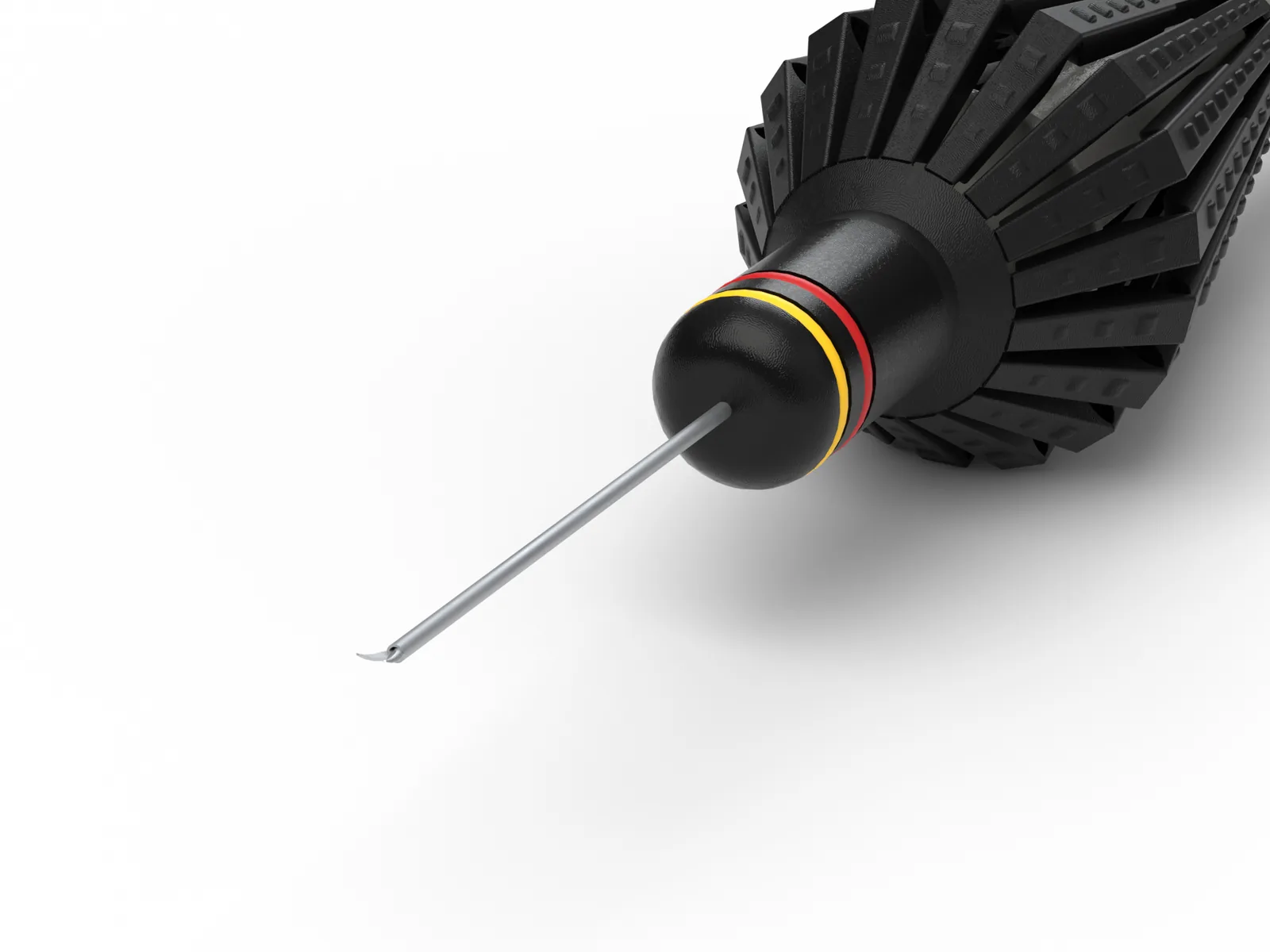
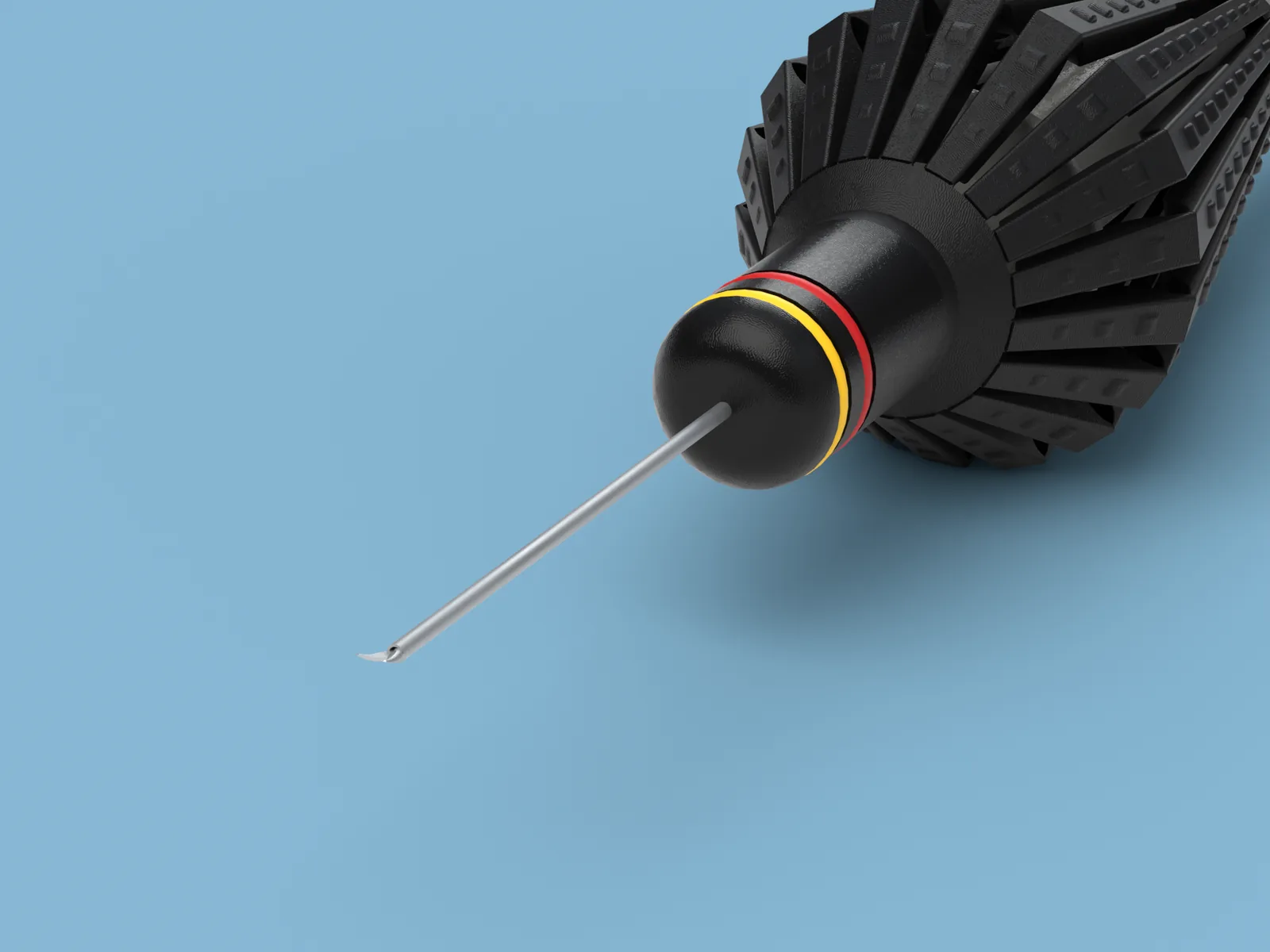
Four related products, framed and lit consistently. Switch the entire set between catalog white and clinical blue.
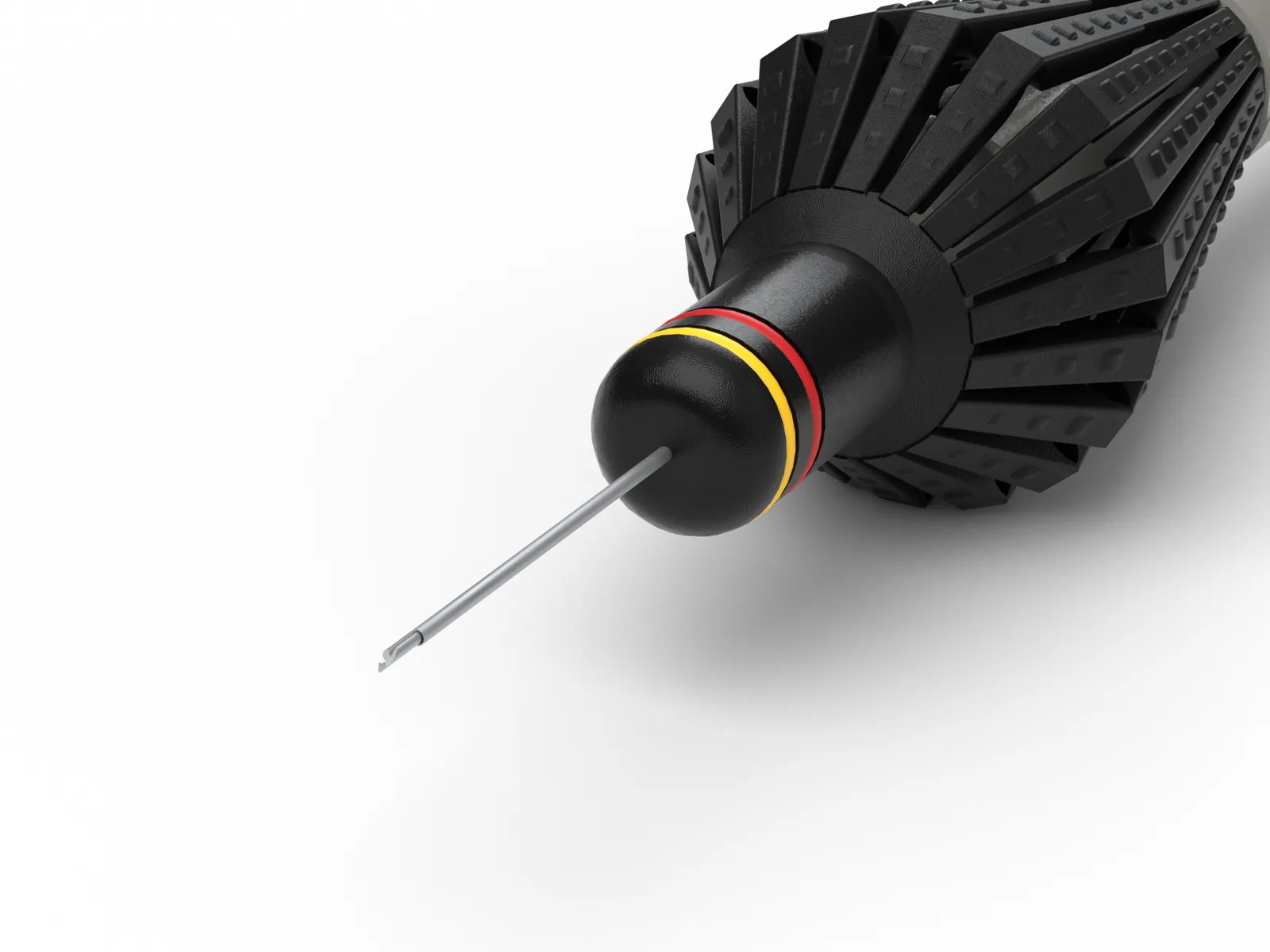
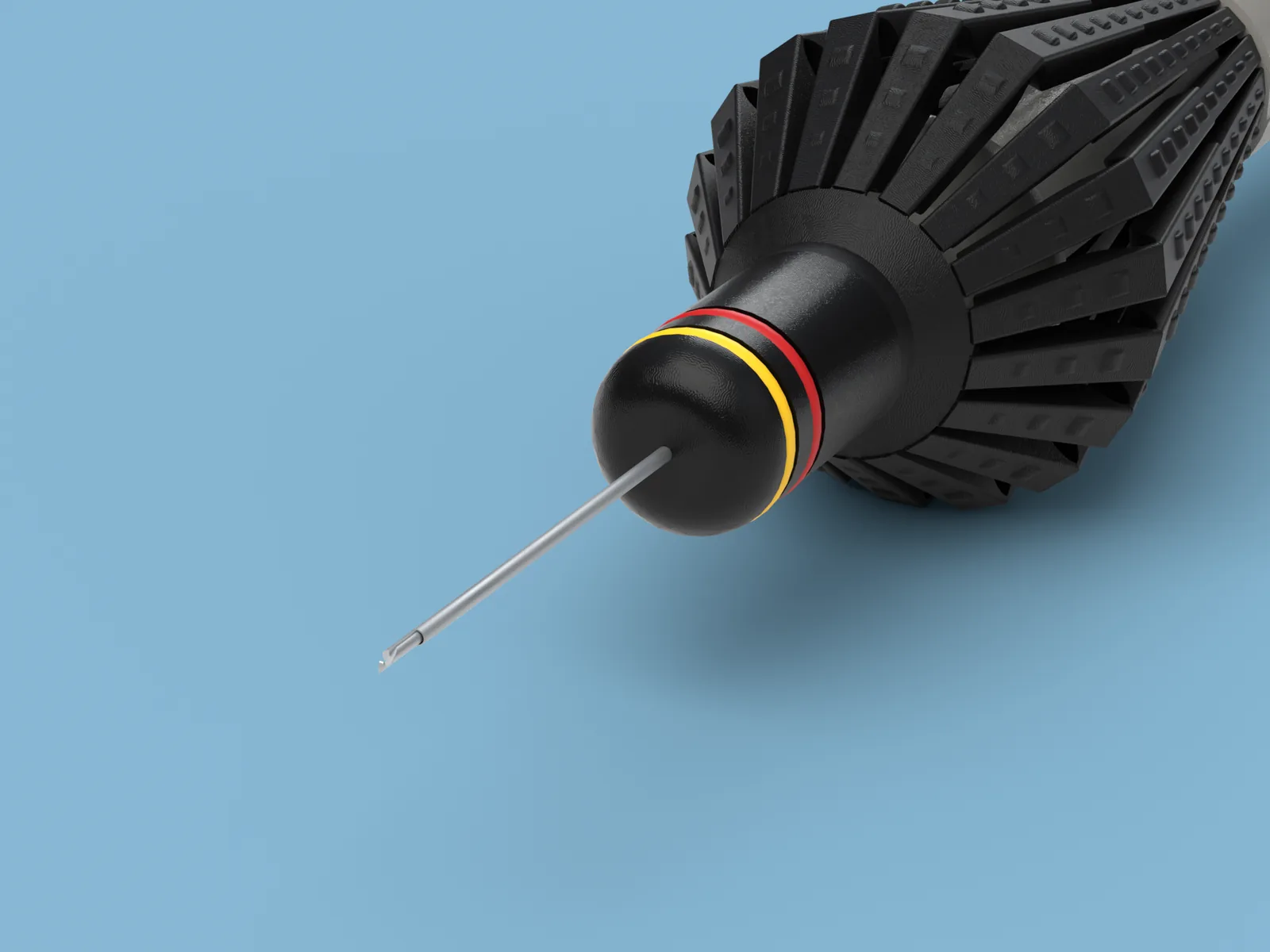
All it takes to start.
- A STEP file for each product (.step or .stp; glTF / GLB also accepted).
- One reference image for each product: photo, catalog page or screenshot. Low quality is fine.
- Optional: notes on finishes, the details to highlight, the angles you want.
- Optional: logo or label artwork as PNG.
| You send | STEP (.step, .stp) or glTF / GLB, plus one reference image per product |
|---|---|
| Images | PNG, 2000 × 1500 px standard |
| Looks | Pure white · Clinical blue · Transparent cutout |
| Angles | Five studio angles (hero ¾, profile, back ¾, top, tip close-up) plus the views you ask for |
| 3D model | GLB (glTF 2.0), same materials as the images, compact 2K textures |
| Finishes | Ten finishes, from mirror metal to transparent |
Every catalog is different.
Tell us how many products you have and which images you need. We'll reply with a quote.
Questions.
Which CAD formats do you accept?
STEP (.step, .stp) and glTF / GLB. Most CAD systems export STEP directly.
Do I need any software or 3D skills?
No. You send the files; we do the rest.
What kind of reference image works?
A product photo, a page from your catalog or a screenshot. A clean image gives the best colors, but low quality is fine.
My CAD file has no colors.
We take color and finish from your reference image, and you can tell us the finish of any part.
Can I ask for a specific angle?
Yes. Describe the view or the detail you want, and we set up the camera for it.
What do I receive?
PNG images at 2000 × 1500 px as standard, on pure white, clinical blue or transparent backgrounds, and a GLB (glTF 2.0) 3D model of each product with matching materials and compact 2K textures.
What if a product changes?
Send us the new STEP file; we update its setup and render it again, keeping the same look as the rest of your range.
How much does CAD2Catalog cost?
We provide a quote for your catalog. Tell us how many products you have and which images you need; we'll reply with a quote.
Start with one product.
Tell us what you need to show. We'll get back to you by email.
Thanks for reaching out. We'll reply as soon as possible.